What you get
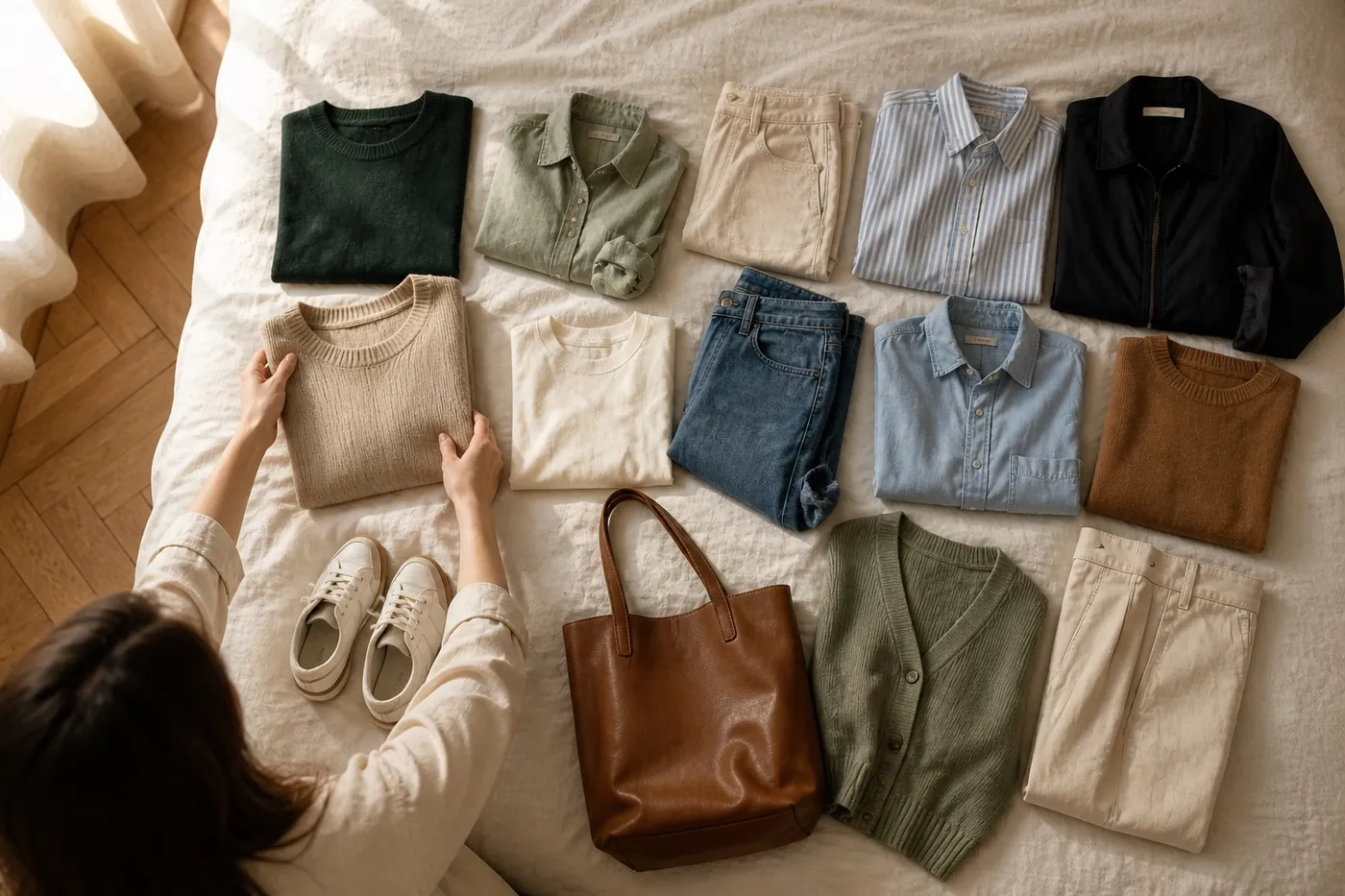
Every day, Essembl builds outfits from your wardrobe for the weather where you are and the plan you’ve set, rates them, and shows the best ones on Today under “Picked for today”. Swipe through them, save one, or tap “Generate more” for fresh ideas in Studio.
It starts once you’ve kept ten pieces and answered the short style questions. The more pieces you add, the more varied the picks get.
Set it up in a minute
Open Settings from your profile picture, then Daily outfit.
- Choose the days and the time you want your outfit.
- Under “What’s the day for?”, set an occasion for weekdays and weekends, for single days, or for one date such as a wedding.
- Leave it on “Mix it up” if your days vary.
- Allow notifications so the outfit can reach you.
Put it on your home screen
Add the “Essembl Daily Outfits” widget on iPhone or Android. It shows today’s picks and lets you flip between them, so getting dressed starts before you’ve even opened the app.
If a pick isn’t right, that is useful too: open it in Studio, swap the piece that bothers you, and save the version you’d actually wear.
Key takeaways
- The daily outfit is built only from your pieces, for your local weather.
- Tell Essembl what each day is for and the outfit follows your week.
- The widget puts today’s outfit on your home screen.