Start with your real weekly rotation
Don’t turn setup into a weekend inventory project. Pick the pieces that already show up in a normal week: the trousers you trust, the shoes you reach for, your usual layers, and a few things you wish you wore more. Essembl starts building daily outfits once you’ve kept ten pieces, so that is your first goal.
Starting small also makes mistakes easy to spot. A shirt filed as a jacket is obvious in a wardrobe of twelve and invisible in a wardrobe of two hundred.
Pick the fastest way in
Open Wardrobe and tap the + button. There are four ways to add clothes, and you can mix them.
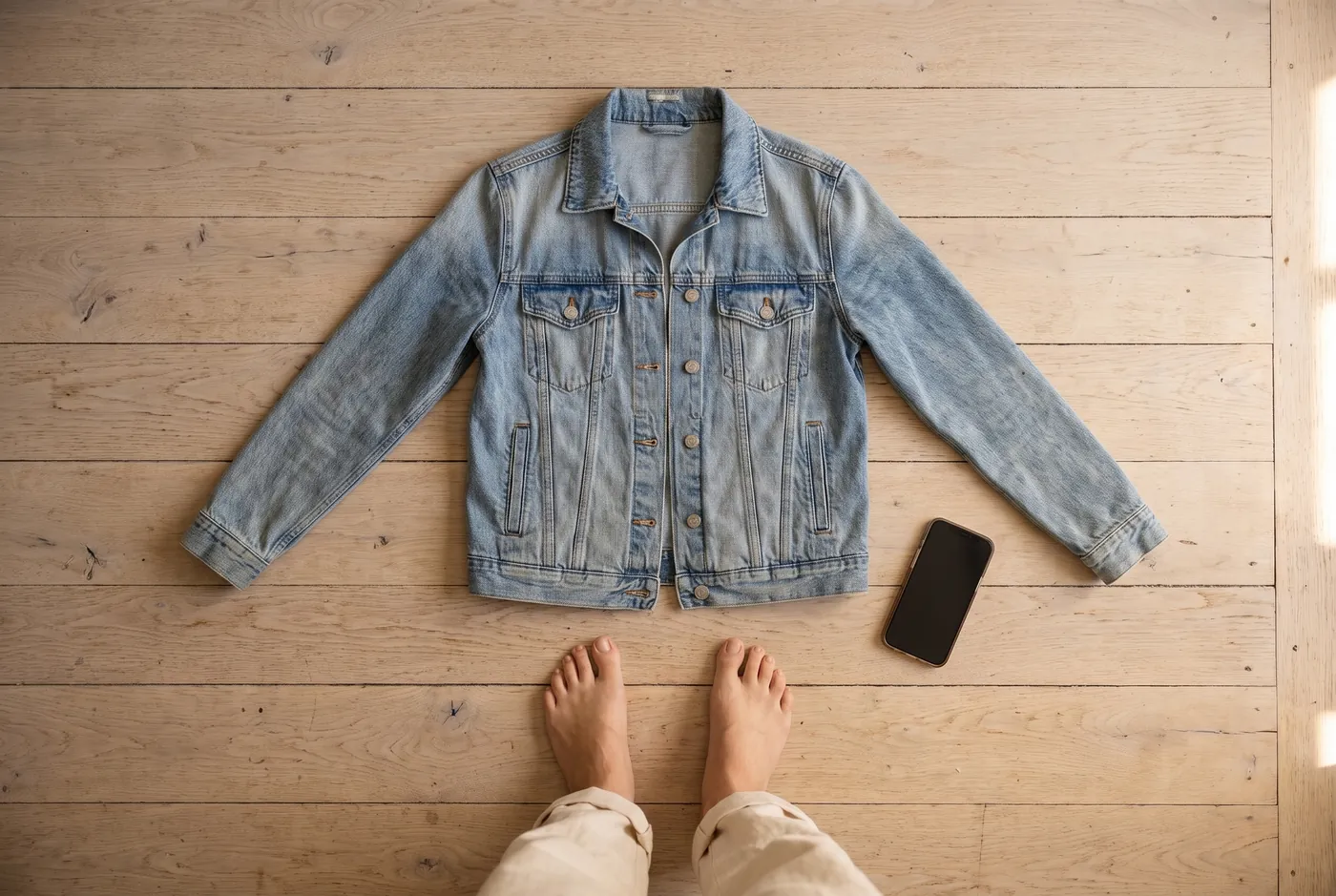
- Choose photos: up to 10 at a time. Mirror selfies, flat lays, a pile on the bed and shop screenshots all work, and one photo can hold several pieces.
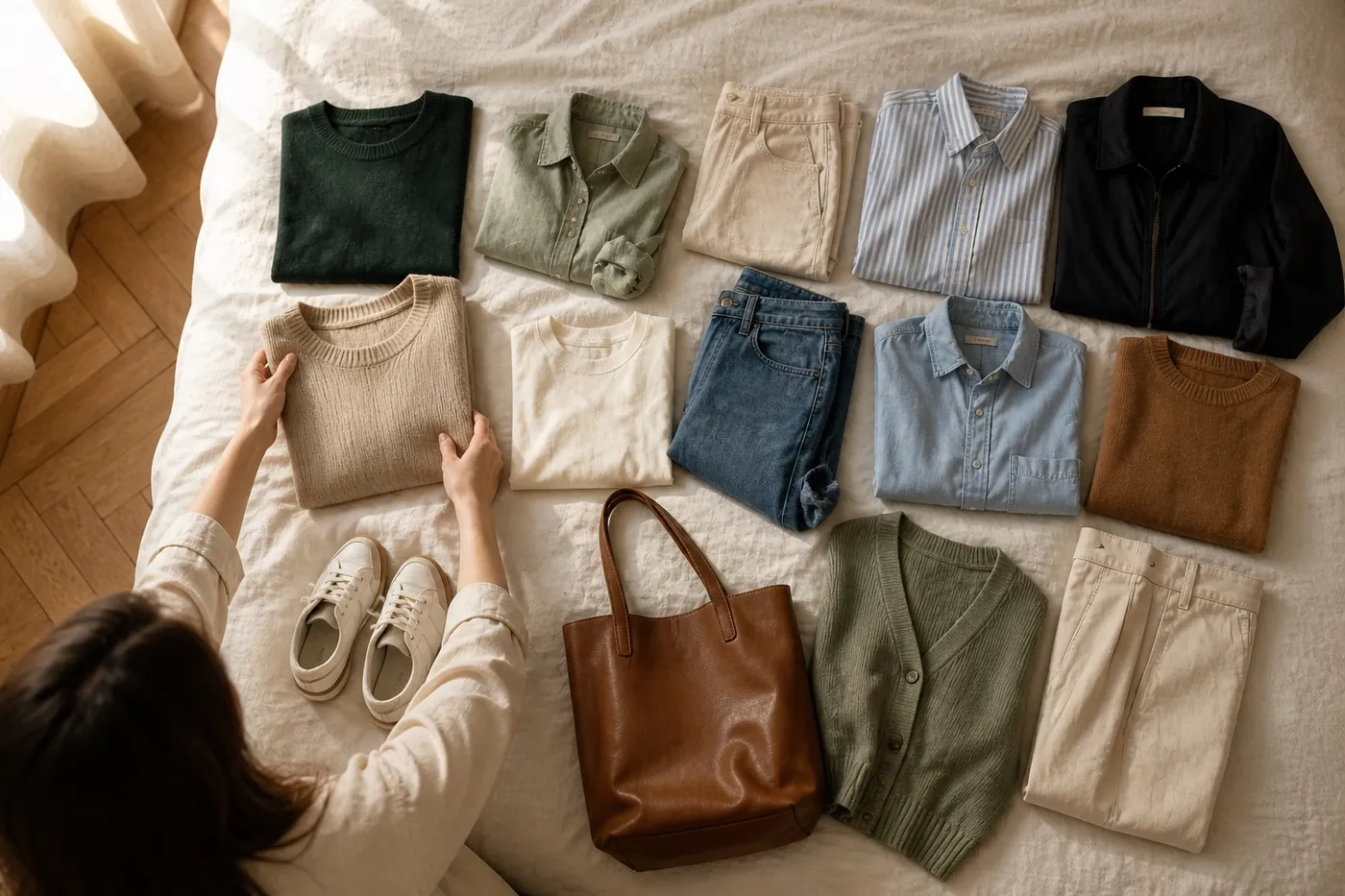
- Take photo: lay three or four pieces on the bed or floor and shoot them together.
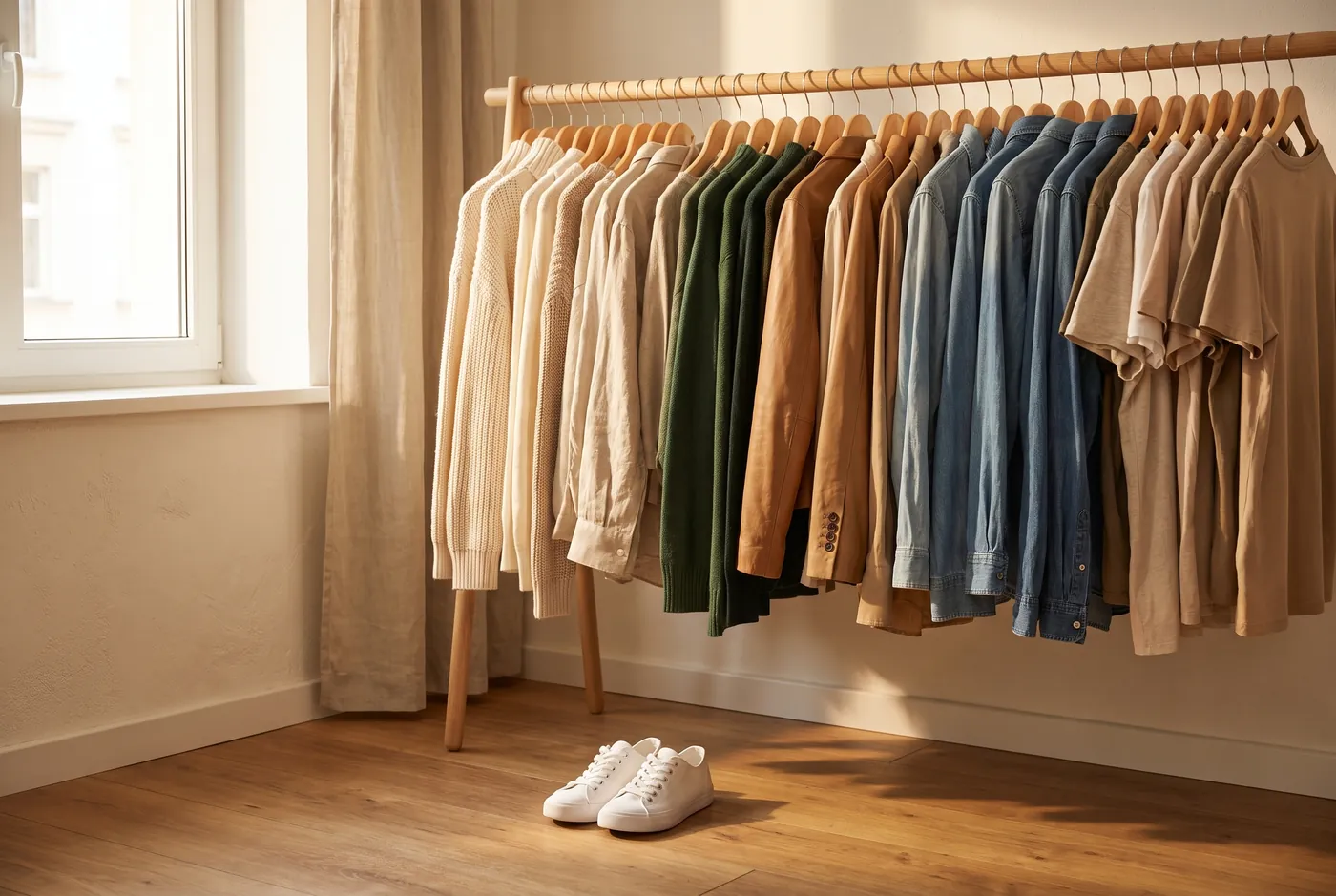
- Choose videos: film a slow pan of your rail. Say a brand or size out loud and it’s added to the piece.
- Scan your photo library (iPhone): Essembl looks for outfits you’ve already worn, on your phone, and only uploads the photos you pick.
Review, then grow
Essembl cuts every piece out onto a clean background and tags its category and color. On the review screen, keep the ones you want with “Add to wardrobe” and skip the rest; likely duplicates are flagged so you don’t save the same jeans twice.
Once you have ten, open Today. If an outfit leans on the same few pieces, that tells you exactly what to add next: usually shoes, a layer or a second pair of trousers.
Key takeaways
- Ten kept pieces is enough to unlock daily outfits; complete can wait.
- One photo can hold several pieces, so lay them out instead of shooting each one.
- Choose what to keep on the review screen; duplicates are flagged for you.